Fredrik Lidström
I decided to implement a custom stripped down version of the markdown language for our forum. I will split this documentation into two posts where the first includes all markup that would commonly be used on the forum.
Links
URLs inside text is automatically detected (https://google.com) but you can also name your links by using the standard markdown syntax
[link text](url).[Synplant](http://soniccharge.com/synplant)-> SynplantImages
The forum will automatically detect URLs ending with an image extension such as
.jpg,.jpeg,.pngor.gif. If your link does not have an image extension you must specify it being an image using the standard markdown syntax
<- https://soniccharge.com/static/images/PR-foobar.pnghttp://goo.gl/Ykwg3Y <- http://goo.gl/Ykwg3Y<- Inline-media
We currently support automatic detection of youtube and soundcloud links in the following formats.
https://youtu.be/1QFIXhCh5Zc->
https://youtu.be/dAg8lUXbls4?t=9m46s->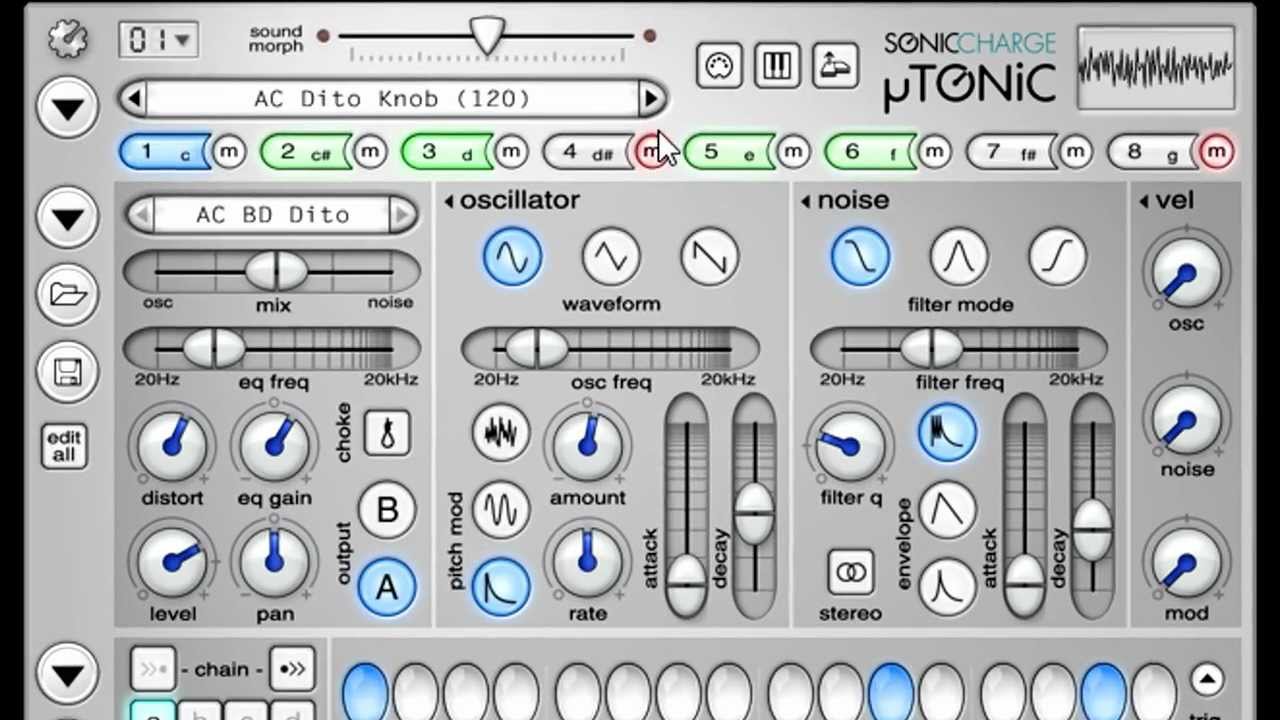
https://www.youtube.com/watch?v=PifZZ2TUw_g->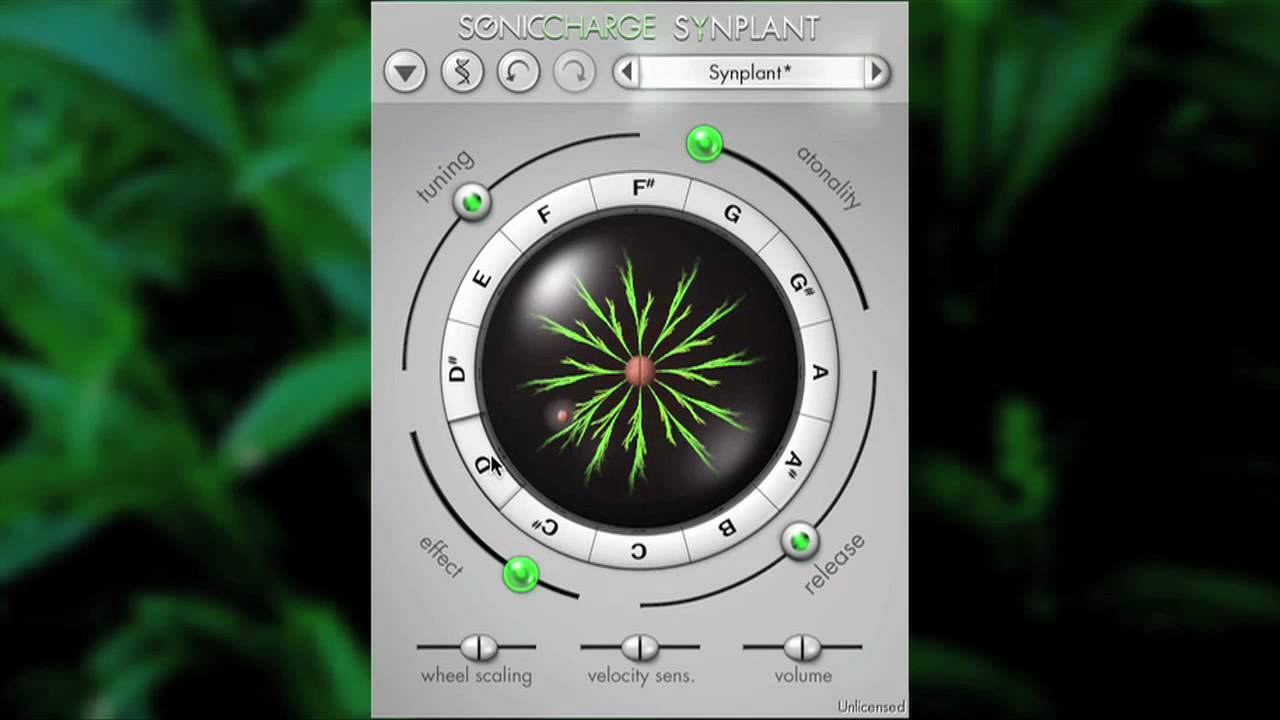
https://www.youtube.com/watch?v=U2-LdIICL8A?t=51s->
https://soundcloud.com/malstrom/bithaxx->bithaxx by malstrom Font style span formatting
All text formatting sequences needs to surround a word or phrase
*this text is bold*-> this text is bold_this_ word is italic-> this word is italic__double underline is underline__-> double underline is underline~~double tilde is strike through~~->double tilde is strike through`surround code with single backticks \``->surround code with single backticks `additional examples
__underlining__ __individual__ __words__-> underlining individual words___~~*all four combined*~~___->all four combined__*_works in_*__ *___any order___*-> works in any order2 * 10 * 5 = *100*-> 2 * 10 * 5 = 100stars*without*space-> stars*without*space\*escaped\* *\*stars\**-> *escaped* *stars*Quoted lines
Quoted lines are automatically inserted when using the quote button next to a post
> quoted text can
> span multiple lines
> as long as each line is prefixed with `>`
> > multiple levels of quotes are supported
quoted text can
span multiple lines
as long as each line is prefixed with>multiple levels of quotes are supported
Block formatting
Code block (or preformatted text)
Triple backticks
```creates a block that spans until next three backticks, used to easily paste a block of preformatted text.Block quotes
>>>
Triple `>>>` starts a block quote that can be used to paste a block of text that you wish to quote.
The block quote will continue until two double blank lines.

To allow multiple blank lines inside the quote, add a space to blank lines.
Triple
>>>starts a block quote that can be used to paste a block of text that you wish to quote.
The block quote will continue until two double blank lines.To allow multiple blank lines inside the quote, add a space to blank lines.
Fredrik Lidström
This second post includes additional text formatting options that were implemented to allow us to create announcements and the Patternarium top-chart posts.
Lists
* Bullet lists are created by prefixing a line with - `*`, `-` or `+` followed by at least one space + pay attention to line indentation - as it can be used to nest lists. 5. numbered lists starts with a digit followed by a dot `.` 4. the first digit serves as the starting number of the list 1. each consecutive digit will be overridden to keep the order of the list- Bullet lists are created by prefixing a line with
*,-or+followed by at least one space- pay attention to line indentation
- as it can be used to nest lists.
- numbered lists starts with a digit followed by a dot
. - the first digit serves as the starting number of the list
- each consecutive digit will be overridden to keep the order of the list
- numbered lists starts with a digit followed by a dot
Text headers
Headers can be defined by adding at least two dashes
--or two equals==at the start of the line below a line of text.Smaller heading --------------- Larger Heading ==============Smaller heading
Larger Heading
additional heading levels
Headings exists in the standard 6 HTML levels and can be specifically defined prefixing a line with a number of hashes
#followed by at least one space. Any trailing hashes will be removed.# Heading level 1Heading level 1
## Heading level 2Heading level 2
### Heading level 3 ###Heading level 3
#### Heading level 4 (same as `===`)Heading level 4 ( same as
===)##### Heading level 5 (same as `---`)Heading level 5 ( same as
---)###### Heading level 6Heading level 6
Horizontal lines
Horizontal lines inside a post can be added by typing three or more dashes on a new line. They need to be either prefixed with a space
---or have spaces between them- - -Addtional link types
[Palaeophagic (93)](patternarium:18/Palaeophagic)-> Palaeophagic (93)[FAQ](forum:6)-> FAQ[Lost your registration key?](topic:346)-> Lost your registration key?Post attachments (automatically inserted when attaching a file)
[download image](attachment:WHMId9)-> download image(580kB, 2693 downloads)->
Tables
I implemented a variation of the markdown tables syntax to allow it to be used both for data tables as well as layout tables (used for Patternarium top charts posts). A table is specified using a "table definition row", which must define at least two columns by using a vertical bar and at least one dash
|-|-|. The header is defined above this line as in the example below.| Style | Syntax | Example | |-----------|-------------------|----------------| | italic | \_italic\_ | _italic_ | | bold | \*bold\* | *bold* | | underline | \_\_underline\_\_ | __underline __ |Style Syntax Example italic _italic_ italic bold *bold* bold underline __underline__ underline Cell alignment
Cell alignment is specified using colon
:and can be used both for headers as well as data columns. Note that data column alignment is specified in the table definition row and not in each data cell.|Right-header:|:Center-header:|:Left-header| |:--|:--:|--:| | Left-text | Center-text | Right-text | | Long text to demonstrate alignment | Long text to demonstrate alignment | Long text to demonstrate alignmentRight-header Center-header Left-header Left-text Center-text Right-text Long text to demonstrate alignment Long text to demonstrate alignment Long text to demonstrate alignment Data table without header
O O X X O X O X Frameless tables
By omitting the last vertical bar
|in the table definition row you create a layout table that can be used to structure content.Left Center Right 
- Bullet lists are created by prefixing a line with
You need to be signed in to post a reply